
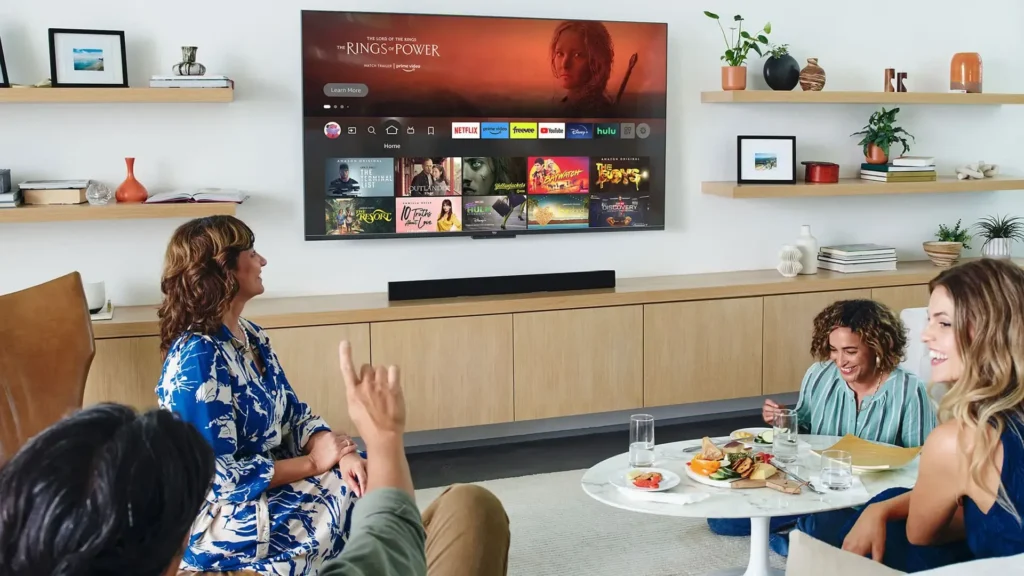
Fire TV field guide2026 edition
Best IPTV Apps for Firestick UK
This guide to the best IPTV apps for Firestick compares the players UK viewers actually use, from TiviMate and IPTV Smarters Pro to OTT Navigator, XCIPTV and Smart IPTV. Find the interface that suits your viewing habits before choosing a compatible subscription.
- Five leading players
- UK-focused comparison
- Clear setup guidance
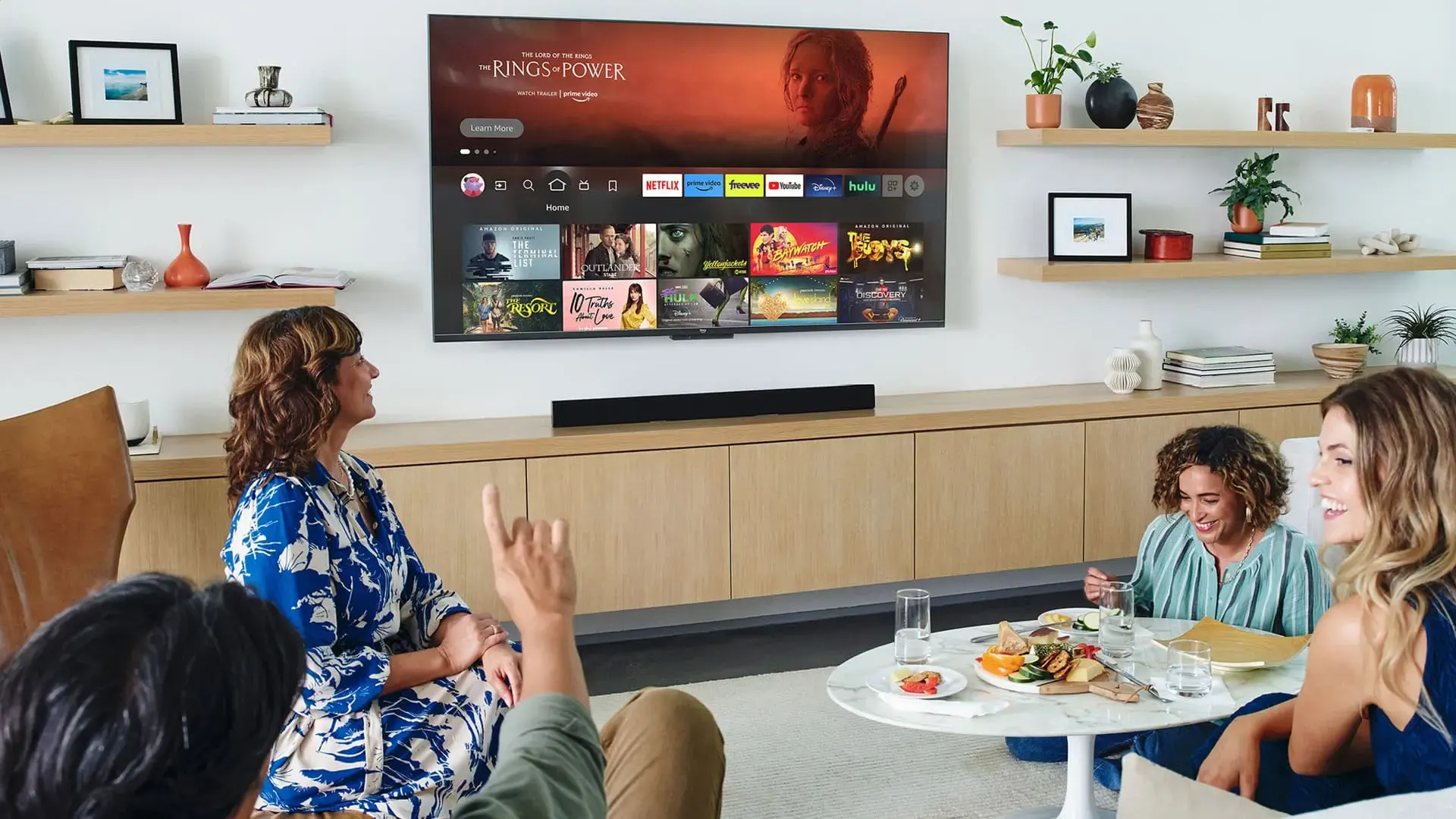
The short answer
Which Firestick IPTV app should you choose?
The best IPTV apps for Firestick serve different viewing habits. A useful shortlist of the best IPTV apps for Firestick should match the interface to the household rather than reward the longest feature list. Searches for “IPTV player Firestick” usually point to that same choice: TiviMate suits guide-led live viewing, while film and series viewers often prefer a simpler poster-led library.
Best for live TV
TiviMate
Polished EPG, fast channel browsing and strong advanced controls.Best for beginners
IPTV Smarters Pro
A familiar layout for Live TV, Movies, Series and Catch-up.Best flexible alternative
OTT Navigator
Useful customisation with strong catch-up navigation.Setup speed
How quickly can you add Xtream Codes or an M3U playlist and reach the first channel?
EPG quality
Is the programme guide clear, responsive and comfortable for everyday browsing?
Live TV or VOD
Does the interface favour rapid channel hopping or poster-led films and series?
Firestick performance
We consider navigation speed, memory use and playback on Fire TV Stick 4K models.
Useful extras
Recording, catch-up, parental controls and multi-playlist support can change the choice.
| App | Best for | Price model | EPG | VOD layout | Recording |
|---|---|---|---|---|---|
| TiviMate | Live TV and sports viewers | Free + Premium | Excellent | Average | Premium |
| IPTV Smarters Pro | Beginners and shared homes | Free | Good | Excellent | No |
| OTT Navigator | Catch-up and flexible layouts | Free + Premium | Very good | Very good | Premium |
| XCIPTV | A clean, simple grid | Free | Good | Good | No |
| Smart IPTV | Simple MAC portal use | One-time fee | Basic | Limited | No |
Hands-on shortlist
The best IPTV apps for Firestick, reviewed
These five players cover the main ways UK households use a Firestick: live sport, channel browsing, films, series, catch-up and straightforward family viewing.
Best overall for live TV
TiviMate
TiviMate leads many lists of the best IPTV apps for Firestick for UK viewers who spend most of their time on live channels and sport. Its timeline guide, channel logos and quick browsing feel closer to a traditional set-top-box experience.
Strengths
- Best-in-class EPG on Fire TV
- Fast channel switching
- Recording and multi-playlist tools with Premium
- Excellent for regular live viewing
Consider first
- Focused on Android and Fire TV
- Premium unlocks the full toolset
- VOD feels less cinematic than Smarters
Best fit: Premier League, boxing and live-channel viewers who want a polished programme guide.
Best for beginners
IPTV Smarters Pro
IPTV Smarters Pro remains a familiar starting point because its home screen separates Live TV, Movies, Series and Catch-up. That structure is easier for family members who do not want to learn a complex interface.
Strengths
- Simple first-time navigation
- Strong poster-led VOD browsing
- Works across several device types
- Low-friction Xtream Codes login
Consider first
- EPG is less polished than TiviMate
- No dependable recording workflow
- Large playlists can feel heavy on older sticks
Best fit: beginners, shared households and viewers who watch more films and series than live TV.
Best middle ground
OTT Navigator
Among the best IPTV apps for Firestick, OTT Navigator is more flexible than Smarters without requiring every advanced TiviMate setting. Its catch-up navigation and configurable interface make it a useful alternative.
Choose it if: you value catch-up and layout control.
Clean and lightweight
XCIPTV
A tidy grid and uncomplicated Xtream or M3U login make XCIPTV a sensible second player for a spare Firestick or a simpler household setup.
Choose it if: you want fewer settings and a direct path to channels.
Simple portal loading
Smart IPTV
Smart IPTV suits viewers who prefer loading a playlist through a web portal rather than entering server details on the stick. The interface is basic and commonly uses a one-time activation fee.
Choose it if: a MAC-based portal is part of your existing setup.
The decision most viewers make
TiviMate vs IPTV Smarters Pro
Choose TiviMate when the live guide is the centre of your viewing. Choose IPTV Smarters Pro when simple navigation and films or series matter more. Many UK homes install both and use each for what it does best.
Saving the same login in two apps does not usually mean two active streams. Your subscription limit applies when content is playing simultaneously.
From box to first channel
How to install an IPTV app on Firestick
The exact menu names vary by Fire OS version, but installing the best IPTV apps for Firestick follows the same safe sequence. When comparing the best IPTV apps for Firestick on your own device, confirm compatibility before entering any account details. If you arrived after searching “IPTV player Firestick,” treat TiviMate and every alternative the same way: use the official app store where available and verify any sideload source before installation.
- 1
Check the device
Open Settings, My Fire TV and About. Confirm that the model uses Fire OS and supports the app you intend to install.
- 2
Install the player
Use the Amazon Appstore when available and consult Amazon's official Fire TV installation guidance before changing developer settings. If sideloading is required, enable only the relevant setting and use a trusted source.
- 3
Add your login
Enter the Xtream Codes server URL, username and password, or add the M3U URL supplied with your plan.
- 4
Load the guide
Allow the playlist and EPG to finish loading before judging navigation speed or missing categories.
- 5
Check real viewing
Open a live channel and VOD title, then confirm picture, sound and Wi-Fi stability near the television.
The app is only half the experience
A strong player still needs a stable IPTV subscription
The best IPTV apps for Firestick cannot compensate for an overloaded service or weak home Wi-Fi. Compare device compatibility, useful UK channel groups, support, renewal terms and the complete plan price before committing.
- Clear 1, 3, 6 and 12-month terms
- Manual renewal with no automatic extension
- Setup guidance for compatible players
- Support throughout the subscription term
Straight answers
Best IPTV apps for Firestick FAQs
Quick answers about the best IPTV apps for Firestick, checking your device and avoiding an unsuitable setup.
What is the best IPTV app for Firestick in 2026?
For most UK live-TV viewers, TiviMate is the best IPTV app for Firestick because of its EPG and channel browsing. IPTV Smarters Pro is the easier option for beginners and households focused on films and series.
Is IPTV Smarters Pro still good in 2026?
Yes. Its Xtream Codes login and clear Live TV, Movies and Series sections remain easy to understand. Viewers who want a more advanced guide often move to TiviMate later.
Can I use TiviMate and Smarters with the same subscription?
Both apps can accept the same compatible Xtream Codes or M3U details. Remember that simultaneous playback is governed by the connection allowance of your subscription.
Do I need a VPN with Firestick IPTV apps?
Not always. A VPN may help in some network conditions but can also add latency. Check your normal connection first and change one variable at a time when troubleshooting.
Which Firestick model is best for IPTV apps?
A Fire TV Stick 4K or 4K Max is a practical choice for smooth navigation and HD or 4K playback. A stable 5 GHz Wi-Fi connection or Ethernet adapter can also improve consistency.
Why is Downloader missing from my Firestick?
Some newer Amazon devices may use a different operating system or restrict sideloading. Check the exact model under Settings and confirm app compatibility before following a Fire OS tutorial.
Your player is chosen
Now choose the plan that fits your Firestick
Compare the available subscription terms, select the commitment that suits your household and follow the setup guidance for your preferred app.
After choosing your app, compare an IPTV provider for Firestick with the plan details above. Before you buy IPTV subscription access, confirm that the provider supports your Firestick app and preferred login method.