IPTV player checklist showing live channels, playlists and a football match on a TV screen

IPTV Player Checklist: 9 Things to Check Before You Add a Playlist

IPTV Player Checklist: 9 Things to Check Before You Add a Playlist An IPTV player is the app that turns your login details into something usable on a TV, phone or streaming stick. It does not supply the channels by itself. It reads a compatible playlist or account, then gives you the guide, search, favourites
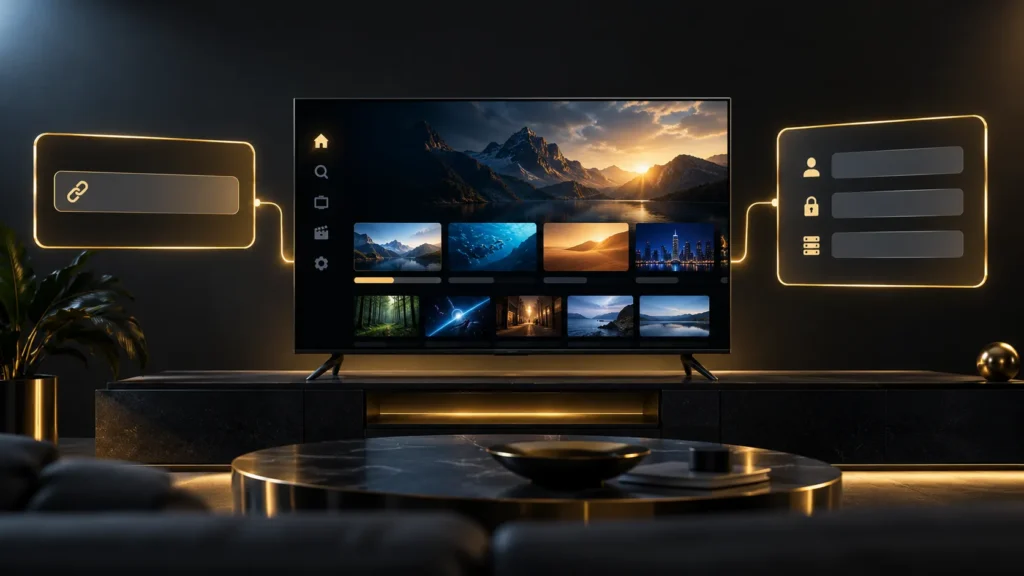
M3U vs Xtream Codes IPTV login options shown on a UK living room TV

M3U vs Xtream Codes: Which IPTV Login Should You Use?

M3U vs Xtream Codes: Which IPTV Login Should You Use? When you receive IPTV details, the first choice is often M3U vs Xtream Codes. It sounds technical, but the practical difference is simple. An M3U is normally one long playlist link, while an Xtream Codes login is usually a server address, username and password. Neither

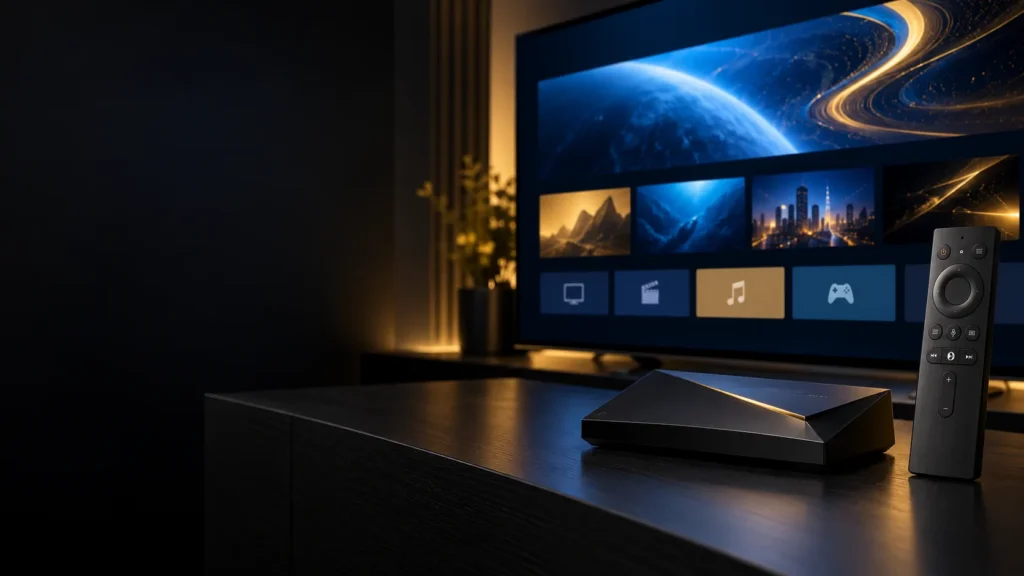
IPTV on NVIDIA Shield setup with NVIDIA Shield TV connected to a television in the UK

IPTV on NVIDIA Shield: UK Setup Guide

IPTV on NVIDIA Shield: UK Setup Guide If you want IPTV on NVIDIA Shield, the setup is fairly simple. The Shield runs Android TV, so you can install a compatible player from Google Play, connect your subscription with an M3U link or Xtream Codes, and start watching on your television. The main choice is which

IPTV on Apple TV UK setup shown on a living room screen

IPTV on Apple TV UK: App Store Setup for 4K, HD and AirPlay

IPTV on Apple TV UK does work, but the first thing to check is the box under your TV. If you have an Apple TV 4K or Apple TV HD, you can install a player from the App Store and log in with your playlist or Xtream Codes. If you have the older third-generation Apple