
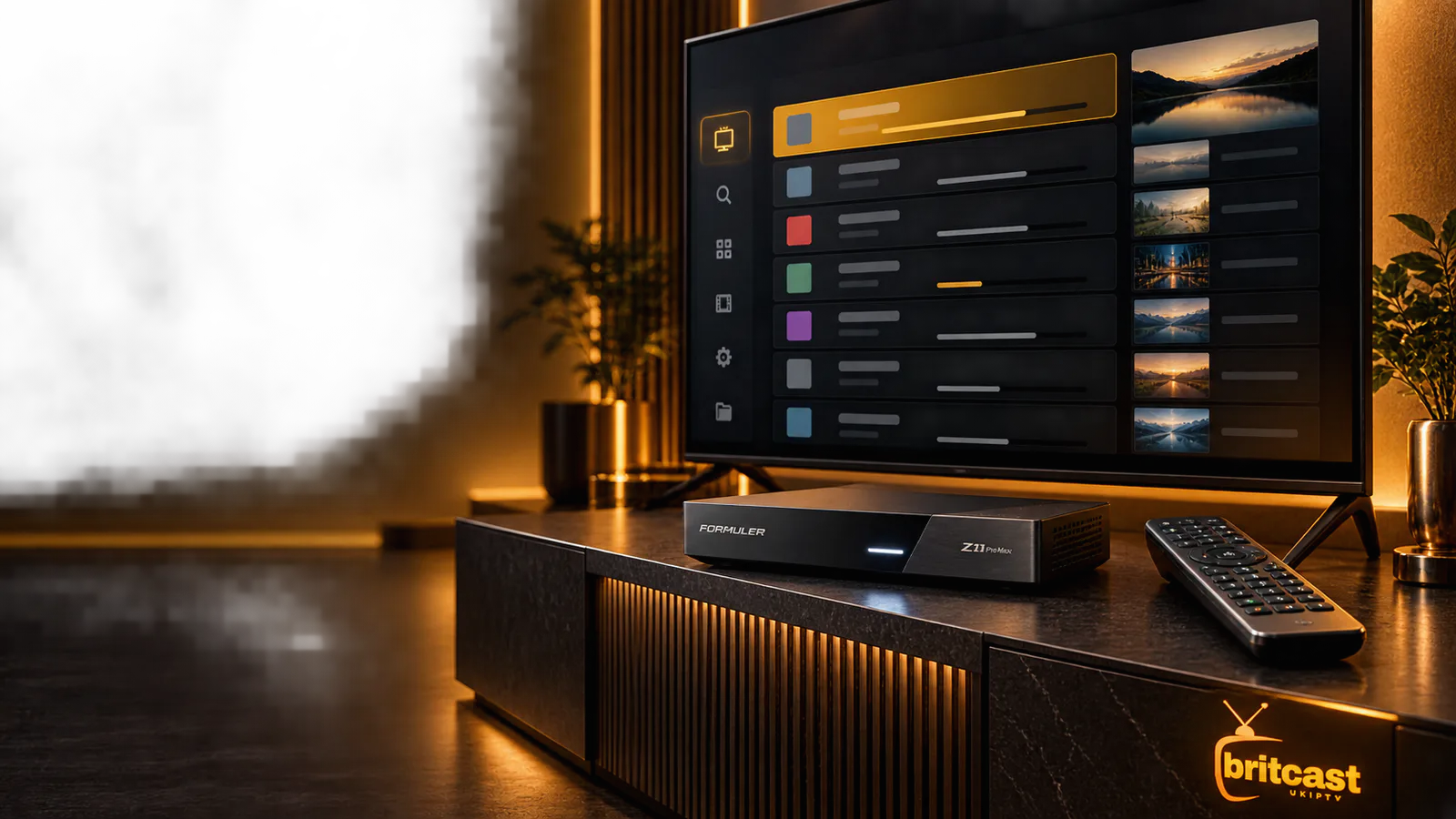
Formuler setup guideUK 2026
Formuler Z11 Pro Max IPTV Setup for UK Viewers
Already own a Formuler Z11 Pro Max? Its MYTVOnline 3 player still needs compatible account details. Follow the setup below or choose a BritCast plan and connect the device with the information supplied for your subscription.
- MYTVOnline 3 compatible setup
- No automatic renewal
- Support throughout your plan
The short answer
Does Formuler Z11 Pro Max include IPTV?
No. The Formuler Z11 Pro Max is premium streaming hardware and MYTVOnline 3 is its media player. Neither automatically includes an IPTV subscription. To watch content, the player needs a compatible Portal or account supplied separately.
This is useful for buyers because the device and service remain separate. You can keep the Formuler interface you know while choosing a subscription term that fits your household.
Make the hardware earn its place
Why MYTVOnline 3 suits the Formuler Z11 Pro Max
The Z11 series is built around a television-first interface. The value comes from quick channel navigation, organised guide data and controls that feel natural with the supplied remote.
Designed for the remote
Large-screen menus and direct controls make everyday browsing easier than using a phone-shaped app on a television.
Live TV and EPG
A timeline guide can organise schedules when your subscription includes compatible programme data.
Flexible connection
Use the connection method supplied by your provider rather than converting credentials on an unknown website.
Useful viewing tools
Recording, timeshift and picture-in-picture depend on the account, storage and stream allowances available to you.
Check device updates and model-specific instructions through Formuler's official support centre.
From box to first channel
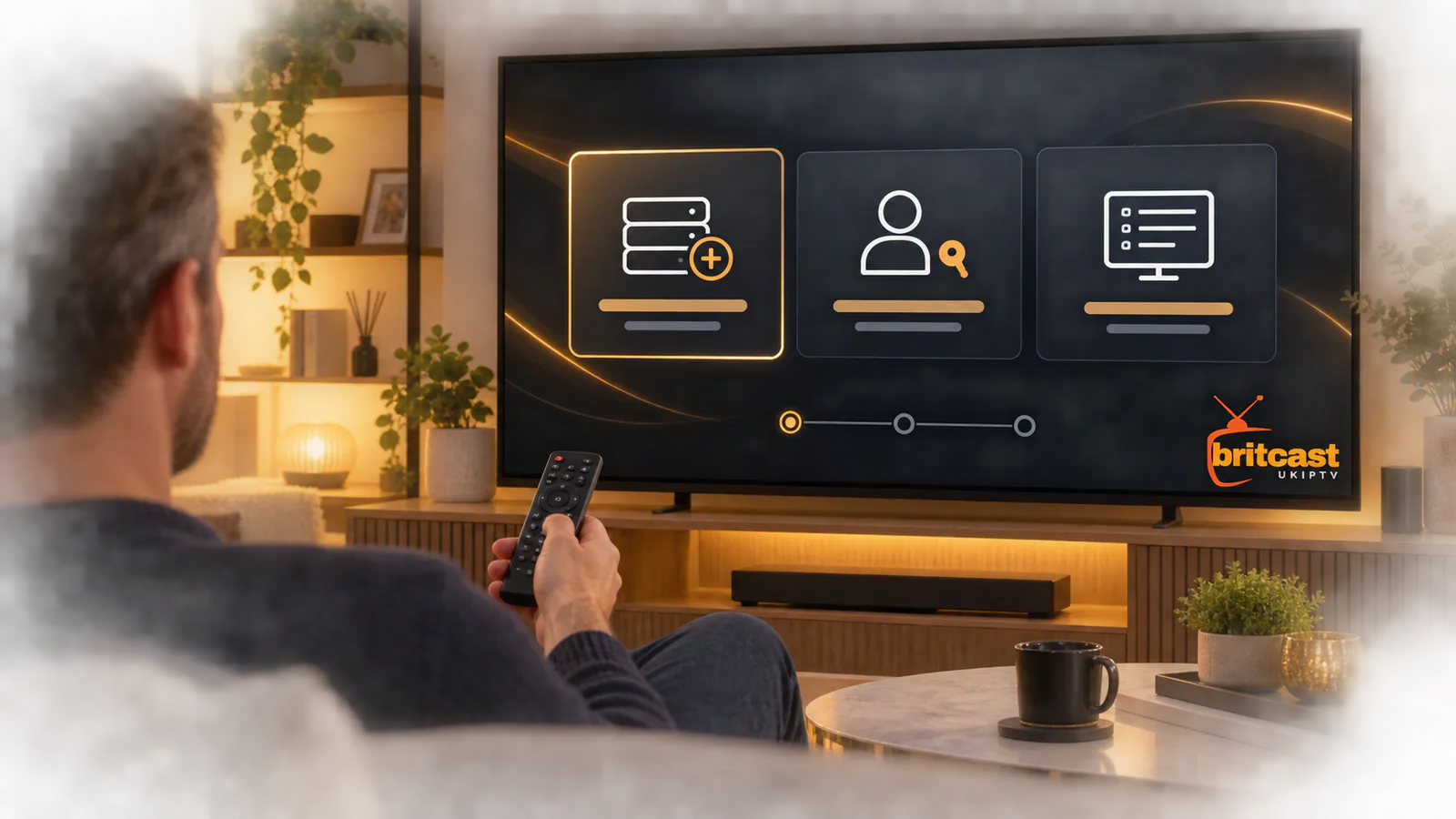
How to set up IPTV on Formuler Z11 Pro Max
The menu labels can change after updates, but the safe sequence stays the same. Use only the account method your provider supplies and keep all login details private.
- 1
Connect and update
Connect the box to your television and router. Ethernet is preferable when the router is nearby. Install available Formuler updates and restart once.
- 2
Open MYTVOnline 3
Launch the built-in media client and open Connections. Choose to add a new connection rather than editing an old provider profile.
- 3
Choose the method
Select Portal or the username-and-password option according to the details you received. Do not guess or mix fields from different methods.
- 4
Enter your details
Add a recognisable connection name, then type or paste the server address, username and password exactly. Check spaces and punctuation before saving.
- 5
Connect and let it load
Allow channels, categories, films and EPG data to finish loading. Test a live channel and one on-demand title before changing advanced settings.
Choose your BritCast term before completing the connection.
Use the details you receive
Portal or Xtream Codes on MYTVOnline 3?
Both approaches connect the player to a compatible account, but the fields and device requirements differ. Your provider should tell you which one to use.
Device-linked setup
This method normally uses a Portal URL and may require the device MAC address to be registered by the provider.
- Useful for a television-style portal
- May be tied to the Formuler device
- Requires exact provider instructions
Xtream-style login
This method uses a server address, username and password. Enter every field exactly as supplied and never post it publicly.
- Clear login fields
- No public conversion tools required
- Easy to re-enter after an app reset
Security note: a Portal URL, username and password can provide access to your account. Keep them out of screenshots, forums and public support groups.
Plans for a compatible setup
Choose an IPTV plan for your Formuler Z11 Pro Max
You have already chosen premium streaming hardware. Pair it with a clear subscription term, compatible setup details and support when you need help connecting MYTVOnline 3.
First setup
1 Month
Start here if this is your first Formuler setup. Confirm the account suits your device before choosing a longer term.
Get 1 MonthFlexible term
3 Months
A practical choice when you want more time without moving straight to a long commitment.
Get 3 MonthsValue saver
6 Months
Better value once your MYTVOnline 3 connection is configured and comfortable for everyday viewing.
Get 6 MonthsLowest monthly cost
12 Months
The strongest value for households that already know the Formuler Z11 Pro Max and service suit their setup.
Get 12 MonthsNeed to compare every detail? View the complete IPTV subscription page.
Hardware and service, clearly separated
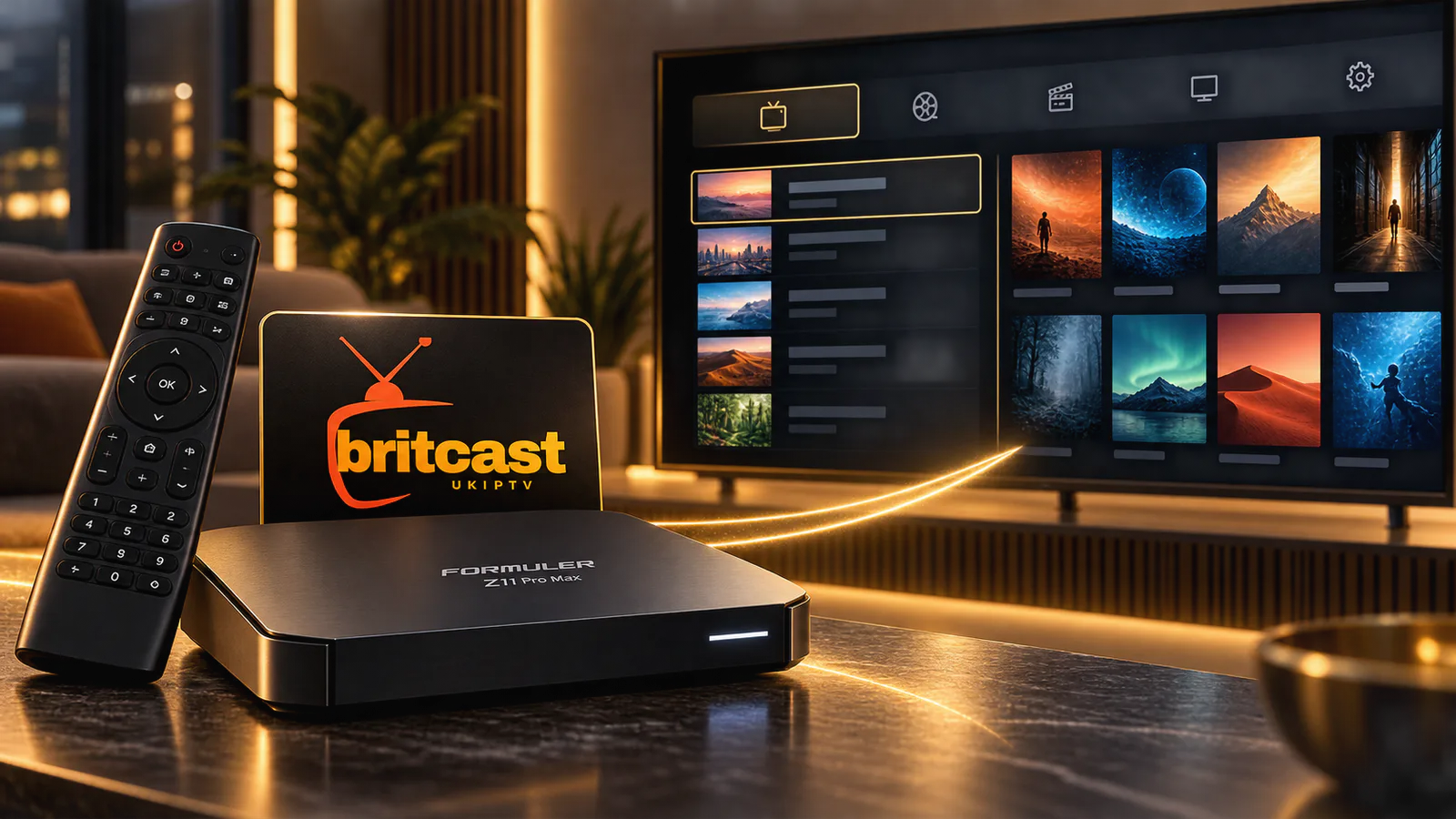
What comes with your BritCast subscription?
BritCast supplies the subscription separately from your Formuler hardware. That makes the purchase clear: the box remains yours, while the selected plan provides compatible account details and support for the subscription period.
- Clear one, three, six and twelve-month terms
- Setup information for a compatible player
- Support throughout the selected subscription period
- Manual renewal with no automatic charge
- Guarantee throughout your selected plan
Begin with one month. Once the connection works the way you want, select a longer term at the next renewal.
Fix the cause first
Formuler Z11 Pro Max troubleshooting
Do not factory-reset the device at the first sign of a problem. Check the connection, account status and exact error before removing a working configuration.
MYTVOnline 3 does not connect
Recheck the server address and login fields. Test the internet connection and confirm the subscription is active before creating another profile.
The Portal URL is rejected
Make sure the Portal method was supplied for your account and that the device address has been registered where required.
Channels appear but do not play
Restart the box and router, then test a different channel. If every device fails, contact the subscription provider with the error shown.
The EPG is empty
Allow the guide to finish loading and refresh it once. EPG coverage depends on the data included with the account.
Playback keeps buffering
Test Ethernet if possible, close background apps and compare the connection near the TV. Use our IPTV buffering guide for deeper network checks.
Recording does not start
Check available storage, write permissions and the number of simultaneous connections allowed by the subscription.
Straight answers
Formuler Z11 Pro Max FAQs
What to know before connecting MYTVOnline 3 or selecting a BritCast term.
Does Formuler Z11 Pro Max come with IPTV?
No. The box includes hardware and the MYTVOnline 3 media client, but an IPTV subscription is a separate service. You still need compatible account details from a provider.
Which IPTV app is used on Formuler Z11 Pro Max?
MYTVOnline 3 is the native media client associated with the Formuler Z11 series. It is designed for television navigation and supports compatible provider connection methods.
Can I use Xtream Codes with MYTVOnline 3?
Use the connection method supplied for your account. Where username-and-password login is supported, enter the server address, username and password exactly and keep those details private.
Can Formuler Z11 Pro Max record live TV?
Recording depends on storage, MYTVOnline settings, the stream and the number of simultaneous connections available. Confirm all four before relying on scheduled recording.
Which BritCast plan should I choose for Formuler?
Choose one month for a first setup and confirm everything works as expected. The three, six and twelve-month options suit households that are already comfortable with the device and service.
Can one subscription play on several devices at once?
Standard plans are intended for one active connection at a time. Saving the same details on another device does not automatically add simultaneous viewing.
Your Formuler is ready
Now add the subscription that fits your viewing
Choose a clear term, receive compatible setup details and connect the Formuler Z11 Pro Max through MYTVOnline 3.
Formuler and MYTVOnline are trademarks of their respective owner. BritCast is an independent subscription provider and is not affiliated with Formuler.