UK Fire Stick safety guideUpdated for 2026
Dodgy Fire Stick UK: Risks and a Safer Fire Stick Setup (2026)
A “fully loaded” stick may look like a cheap shortcut. The real cost can be unknown apps, seller-controlled access and a setup that disappears after the next update. Here is how to spot the warning signs and rebuild the device on your terms.
- Keep control of your device
- Remove unknown apps
- Choose clear plan terms
The short answer
What does “dodgy Fire Stick” mean?
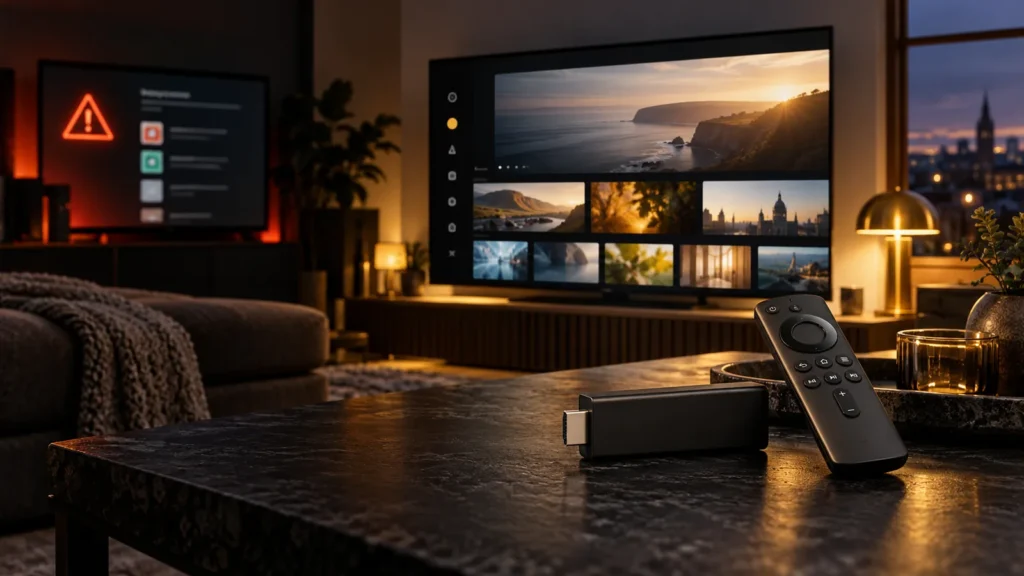
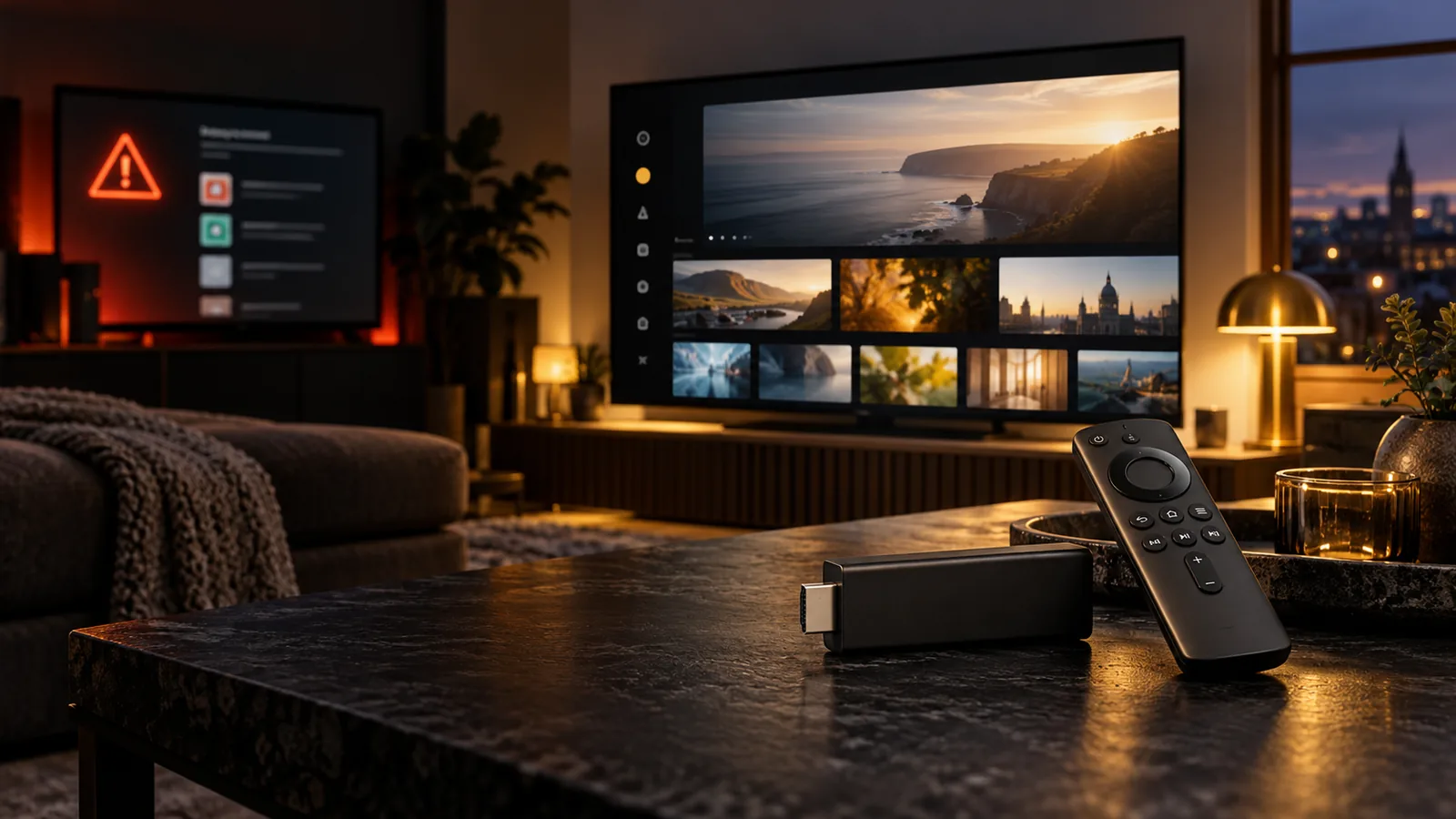
A dodgy Fire Stick is usually a normal Amazon Fire TV Stick that a seller has preloaded with unofficial apps or access to paid TV, films and sport without the proper subscriptions. In the UK, the adverts often call them “fully loaded”, “jailbroken” or “no subscription needed”.
The Fire Stick itself is normal hardware. The concern is what has been installed, who still controls it and where the streams come from. That creates legal, privacy and reliability risks long after the cash changes hands.
Know what you are buying
What a dodgy Fire Stick actually is
Amazon sells Fire TV Sticks for official services such as Prime Video, Netflix and BBC iPlayer. A dodgy Fire Stick starts as the same hardware, then a seller enables installs from unknown sources, loads apps or IPTV panels you did not choose and may keep remote access so they can “update” it later.
UK government guidance on illicit streaming devices makes the distinction clear: the hardware has legitimate uses, but it becomes an illicit streaming device when adapted to show paid programmes, films or sport without permission or the required subscriptions.
Before you pay
How to spot a dodgy Fire Stick seller
Most risky listings recycle the same promises. One warning sign may be poor wording. Several together should end the conversation.
Everything “free” forever
Claims of all premium TV, streaming services and sport for one cash payment do not add up.
No clear invoice
Cash, Friends & Family or crypto only, with no written terms or named service.
Seller keeps access
They insist on remote control of the device and promise to fix it forever from their end.
Unknown APK files
Apps are installed from links you cannot verify and permissions are never explained.
No support trail
There is no website, order record or support channel you can reopen months later.
Pressure to buy now
The seller avoids questions about updates, renewals, app names and who controls the login.
If the pitch is “plug it in and never pay again”, you are not buying a clever gadget. You are depending on somebody else’s panel and hoping it stays online.
Two separate problems
Legal and security risks in the UK
Owning the hardware is not the same as having permission to watch the content installed on it.
Copyright and fraud risk
Using a modified device to access copyrighted services without paying or permission can fall under copyright and fraud rules. Enforcement often concentrates on sellers and suppliers, but that does not make unauthorised viewing risk-free.
Privacy and malware risk
Unknown APKs sit on the same home Wi-Fi as phones, laptops and banking apps. A seller-controlled app can request broad permissions, phone home or stop working without warning.
Fire OS also changes over time. An app that works today can disappear after an update. When that happens, a marketplace seller may be gone as well.
Side-by-side
Dodgy Fire Stick vs a normal Fire Stick setup
The practical difference is control. A normal setup lets you choose the hardware, player, login and renewal term yourself.
| Point | Dodgy / fully loaded stick | Normal Fire Stick + chosen plan |
|---|---|---|
| Who controls the apps | Seller | You |
| Support | Often disappears | A channel you can contact again |
| Updates | May break hidden apps | You reinstall a player you know |
| Privacy | Unknown APKs and permissions | You decide what is installed |
| Cost | Cheap upfront, unclear later | Published monthly or longer terms |
Keep the hardware. Add only the subscription.
Compare clear BritCast terms from £14, choose the commitment that suits you and follow the setup guide on your own device.
The cleaner route
Reset the stick, choose the apps, then subscribe
If you already own a dodgy Fire Stick, you do not need to throw away the hardware. Remove the unknown setup and rebuild it carefully.
- 01
Remove seller access
Delete unknown accounts and apps. If you cannot verify what was changed, use a factory reset.
- 02
Update Fire OS
Sign in with your own Amazon account and install the available system updates.
- 03
Choose the player yourself
Use our best IPTV apps for Firestick UK guide to compare practical options.
- 04
Follow a visible setup process
Work through the Fire Stick 4K setup guide and only enable unknown sources when a trusted installation requires it.
- 05
Add your chosen plan
Order a term with published pricing, enter the details you receive and keep your order information.
And if playback stutters, check Wi-Fi and device settings first. Our Firestick buffering guide covers the common causes.
No new hardware required
Choose a term after you control the device
People buy a dodgy Fire Stick because conventional TV packages can feel expensive. A loaded stick sold for £40 to £80 looks cheaper until an app dies or the seller vanishes. Published plan terms are easier to compare and budget for.
BritCast plans currently start at £14 for one month. There is no automatic renewal, and setup guidance is available for the device you already own.
1 Month
£14
Useful when setting up the player and household device for the first time.
12 Months
£49
For viewers who have completed their setup and want the longest published term.
Straight answers
Dodgy Fire Stick UK FAQs
These answers keep the distinction between legal hardware, unknown software and unauthorised content clear.
Is a dodgy Fire Stick illegal in the UK?
A standard Fire Stick is legal. The problem starts when it is adapted or used to access paid television, films or sport without permission or the required subscriptions. UK government guidance describes devices configured for unauthorised streams as illicit streaming devices.
Is jailbreaking the stick itself the crime?
Changing device settings is not the whole issue. The legal risk comes from using those changes to access unauthorised copyrighted streams. Sellers who supply preloaded sticks at scale usually face the greatest enforcement attention.
Can Amazon block a fully loaded Fire Stick?
Fire OS updates and store rules can disable sideloaded apps or make unofficial installs harder. A seller-controlled setup may stop working when either the software or the seller’s access changes.
What should I do if I already bought one?
Remove unknown apps and accounts, consider a factory reset, update Fire OS and rebuild the device with apps you understand. Keep control of your Amazon account, player and login details.
Bottom line
A shortcut is not a bargain if somebody else controls it
A dodgy Fire Stick trades privacy, stability and control for a seller-managed box. Buy or reset the hardware clean, choose a player you understand, and only pay for a plan whose price and terms are stated upfront.
Already have the Fire Stick?
Beyond the headline
Why news sites stop at the warning
Most reports answer “what is a dodgy Fire Stick and is it illegal?” They rarely explain what to do next. The useful next step is practical: identify the risky pitch, remove software you cannot verify, and rebuild the device with accounts and apps you control.
BritCast is not affiliated with Amazon, Sky, BBC or the apps mentioned in this guide. We offer subscription terms published on our site and setup guidance for compatible devices. If any seller refuses to explain what is installed or who controls it, walk away.