1 month
£14total for 1 month
A shorter commitment to get started.
View 1-month planBRITCAST PLANS FOR UK VIEWERS
Searching for xtreme hd iptv? This BritCast guide helps you choose a subscription term, check your device and prepare your viewing setup.
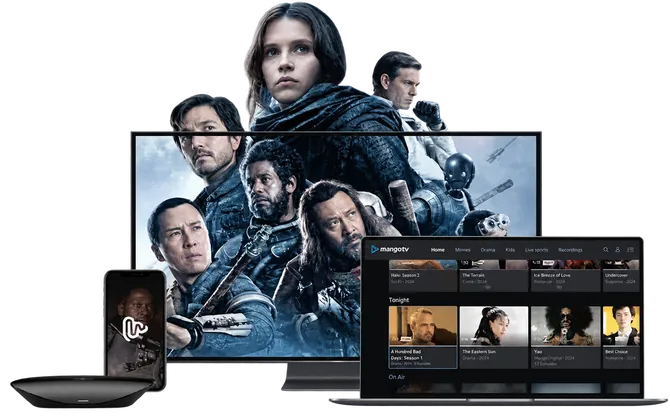
A useful home setup starts with a compatible screen, a suitable player and a subscription term that fits your needs. At BritCast, you can choose from 1, 3, 6 and 12-month plans and check the practical details before ordering.
Start with a shorter term if you want less commitment, or choose a longer plan when you already know what fits your household. The total for each BritCast plan is shown below, with a direct route to its product page.
Setup matters as much as the term. Tell us which television, streaming device and player you use, so we can help you check compatibility before payment. Keep your order reference handy if you need assistance later.
YOUR BRITCAST SUBSCRIPTION
Pick the term that suits you. These are BritCast's standard single-connection plans, with one upfront payment for the full duration.
£14total for 1 month
A shorter commitment to get started.
View 1-month plan£24total for 3 months
A three-month term for your home setup.
View 3-month plan£34total for 6 months
Six months with a single payment.
View 6-month plan£49total for 12 months
A full year when you prefer a longer term.
View 12-month planAll prices are in GBP and paid upfront. Our published terms describe manual renewal and one active connection unless a different arrangement is purchased.
Check the product details and your device before ordering. A player licence, new hardware or additional simultaneous streams may require a separate purchase.
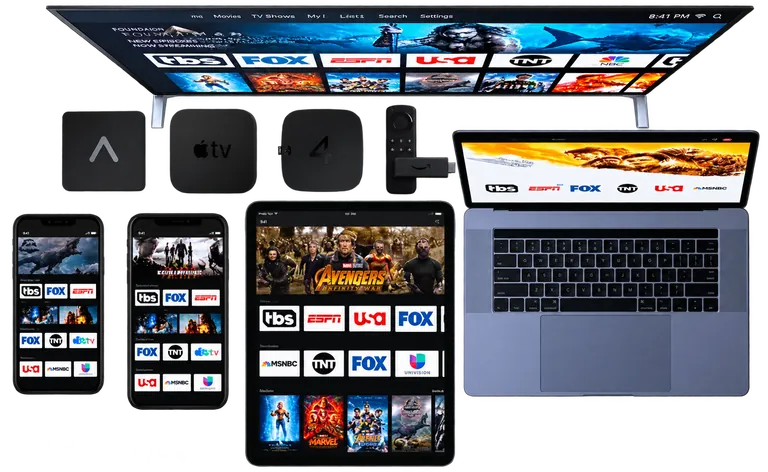
For your BritCast setup, check the exact device model and app before ordering. A Samsung TV, an LG TV and an Android TV don't use the same software.
Confirm the operating system, supported player and login method for your exact Fire TV model. Don't assume a guide for a different generation applies. Keep the app source and your BritCast account details together.
Compare Firestick player optionsCheck the TV model, store region and available apps. If a compatible player is unavailable, ask about an external streaming device before ordering. A television brand alone isn't a compatibility guarantee.
Choose a player built for your operating system and verify the account format it accepts. A paid player can charge separately from the content service. Check remote support, readable menus and account limits before moving between screens.
Use the IPTV player checklistGood everyday viewing starts with the player and menus you use. Choose a player that works comfortably with your screen, then check the features that matter in your household.
Check search, favourites and readable groups. A large list is less helpful if the person holding the remote can't find what they want.
Look for correct programme times and useful descriptions. If the guide is empty, establish whether the account supplies guide data before changing apps.
Know who handles player billing and who supplies the subscription. An app upgrade doesn't automatically add programmes or extra simultaneous streams.
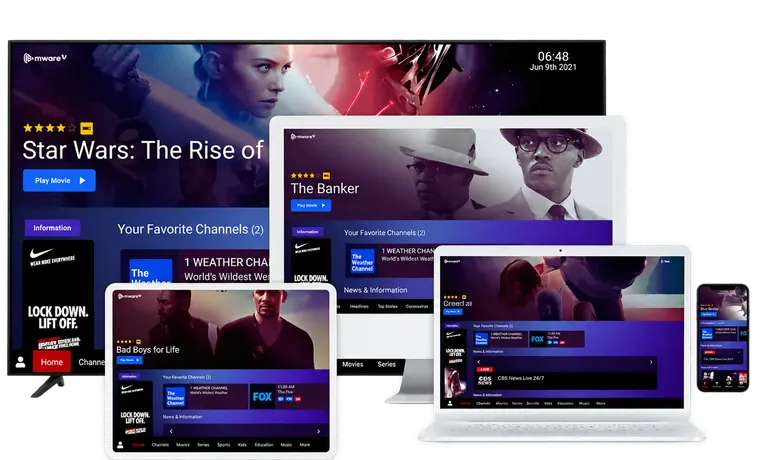
Illustrative interfaces. Features depend on the player and account you choose.

Illustrative artwork. It does not confirm catalogue availability or distribution rights.
Before choosing a BritCast plan, ask about the programmes you want and the terms for your household. Check the current offer and your own requirements before placing an order.
For the rights distinction, see the UK Intellectual Property Office's streaming guidance.
With BritCast, choose your term, complete payment and follow the instructions for your supported device.
Compare the duration, active-connection allowance and total. Tell support your device model if you need help with compatibility.
Review the order and terms, then pay through the available checkout. Subscription details are supplied after payment confirmation.
Follow the instructions for your supported player. Keep the order reference for assistance and check your favourites and guide.
PLAIN ANSWERS
Plan details, setup and payment explained in plain English.
Have your device model, operating system and preferred player ready. Check your connection where you plan to watch, and decide how many streams you need at the same time. Send those details to BritCast if you need help checking compatibility before choosing a plan.
Open the plan's product page, review the duration and details, then complete payment through the available checkout. Subscription and setup information is supplied after payment confirmation. Tell support your device model if you need help choosing a compatible player.
Choose the duration that fits your needs and the commitment you're comfortable with. A one-month plan has a smaller upfront total. Longer plans cover more months with one payment. Review the device and connection requirements before selecting your term.
It may help with an app-specific problem, but it can't guarantee a better source or repair an unstable connection. Check playback on the actual viewing device and change one thing at a time. See our Firestick buffering checks if that is your setup.
Only if the purchased account permits that many simultaneous streams. Installing a player on several devices doesn't increase the account allowance. BritCast's standard terms describe one active connection unless a different arrangement is purchased. Ask BritCast about a second active stream before ordering.
Yes, if it supports your device and the account format supplied with your BritCast subscription. Confirm compatibility before ordering. A player's own licence remains separate where applicable. Keep the app's support details alongside your BritCast order reference so each question reaches the right place.
Choose the duration that fits your home, or check your device with us before ordering.
Review the current product details and terms before paying.