
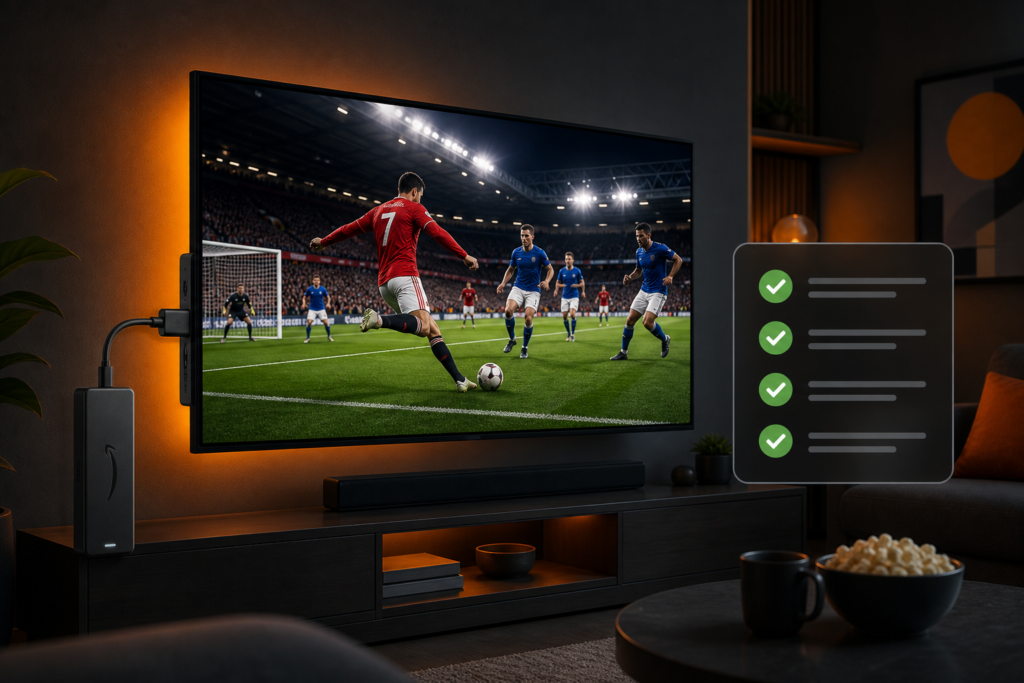
Use this UK IPTV setup checklist before you hand over money. Most regret comes from skipping the boring stuff: weak Wi‑Fi, three half-installed apps, and a “deal” that looked cheap until the first big match stalled.
Print it mentally, tick as you go, then trial. If you want a human walkthrough, WhatsApp BritCast or open an IPTV free trial conversation from the homepage.
1) Home network checklist
- Speed test on the same Wi‑Fi the TV uses (not only mobile data).
- Firestick or box on 5 GHz, or plan an Ethernet adapter for the main TV.
- Router reboot done in the last month; firmware not years out of date.
- No huge Steam/Windows updates scheduled for match time.
- Know the ISP admin login in case you need to reserve a DHCP IP for the stick.
2) Device checklist
- Official power adapter on Firestick (not TV USB).
- HDMI extender if the stick runs hot behind the panel.
- Storage has breathing room; unused apps removed.
- Fire OS / Android TV updates applied.
- One remote that works; batteries checked (yes, really).
3) App and playlist checklist
- Install one player your provider supports.
- Save the playlist URL or XC login in a notes app.
- EPG loads; clocks look right for UK time.
- Favourites set for the channels you open weekly.
- Live buffer nudged up if sport micro-stutters.
App shortlist context: best IPTV apps for Firestick UK. Install help: Fire Stick 4K setup guide.
4) Trial-day test checklist
- Play a live channel for 15 minutes in the evening.
- Zap between two sports channels; note how long pictures take to appear.
- Start a catch-up or VOD title for five minutes.
- Join a second device if your plan allows; watch for Wi‑Fi collapse.
- Write down anything that broke. Fix network first, then message support.
If the stick buffers after a clean network, work through stop IPTV buffering Firestick before you blame the seller.
5) Provider and payment checklist
- Clear prices in pounds you can screenshot.
- A real support channel (WhatsApp or ticket) that answers humans.
- No pressure to buy “lifetime” on day one.
- You know what happens at renewal.
- You verified sports categories you care about during the trial, not from a marketing graphic alone.
BritCast publishes simple lengths on the IPTV subscription page: £14 / £24 / £34 / £49 for 1 / 3 / 6 / 12 months.
6) Household and account checklist
- Everyone who will watch knows which app to open.
- You know how many screens your plan is meant to cover.
- Kids’ profiles or favourites are separated if that avoids fights.
- Payment method will still work at renewal (not a disposable card you already cancelled).
- WhatsApp or email for support is saved under a clear contact name.
7) Match-day readiness (optional but useful)
- Restart the stick the morning of a big fixture.
- Clear player cache if it has been weeks.
- Tell the household when you need the bandwidth.
- Have the WhatsApp thread handy if something odd appears at 12:29.
Red flags that fail the checklist early
Stop and rethink if you see any of these while working through a UK IPTV setup checklist:
- Seller refuses any trial and pushes lifetime payment only.
- Support answers with a wall of panel screenshots and never asks what device you own.
- Your evening speed test on the TV Wi‑Fi is unstable even before IPTV starts.
- You already have three dead player apps fighting for storage.
- Promises of perfect 4K on every channel with no mention of your home network.
Those are process failures, not “you are bad at tech.” Fix or walk away before the card is charged.
Printable order of operations
If you like a single sequence for the UK IPTV setup checklist, use this:
- Network healthy at evening peak.
- Device powered and cooled correctly.
- One player installed.
- Playlist loaded and favourites saved.
- Fifteen-minute live test + short VOD test.
- Support contact saved.
- Only then choose 1 / 3 / 6 / 12 month billing.
Skipping to step 7 is how people buy twice. The checklist exists so you do not.
After you subscribe
Write the renewal date in your calendar. Keep a backup of the login. Once a month, restart the stick and clear cache. When a big tournament week arrives, run the match-day readiness list the night before. That is maintenance, not paranoia.
If something breaks after months of being fine, compare: did the router change, did someone add a mesh node, did Fire OS update? Change one variable at a time. Then open WhatsApp with that context.
How this checklist differs from a random YouTube setup video
Video tutorials jump straight to Downloader codes and skip the evening Wi‑Fi test. This UK IPTV setup checklist flips that. Network and device health come first because they decide whether any playlist looks “premium” or “broken.” Apps are step three on purpose.
YouTube also ages badly when Fire OS menus move. A written checklist you can re-read in March still works when a thumbnail from last year does not. Keep this page bookmarked; update your own notes after each successful install.
FAQ
How long should a UK IPTV setup checklist take?
About 30–45 minutes the first time, plus a proper evening stream test. Rushing straight to payment is how people buy twice.
Do I need Ethernet on the checklist?
Not mandatory, but tick it as the upgrade if Wi‑Fi fails the evening test. Many UK living rooms calm down immediately once the stick is wired.
Where does BritCast fit?
After the network and device boxes are ticked, use an IPTV free trial chat to load the service and confirm sport on your screen. We would rather fail a bad Wi‑Fi setup early than pretend it is fine.
What if I only care about sports?
Still run the full network and trial-day sections. Sports bitrates expose weak Wi‑Fi faster than daytime TV. See also stream UK sports at home.
Done
Tick the UK IPTV setup checklist, trial at peak time, then subscribe. When you want help marking the boxes, message WhatsApp or visit BritCast.