

M3U vs Xtream Codes: Which IPTV Login Should You Use?
When you receive IPTV details, the first choice is often M3U vs Xtream Codes. It sounds technical, but the practical difference is simple. An M3U is normally one long playlist link, while an Xtream Codes login is usually a server address, username and password.
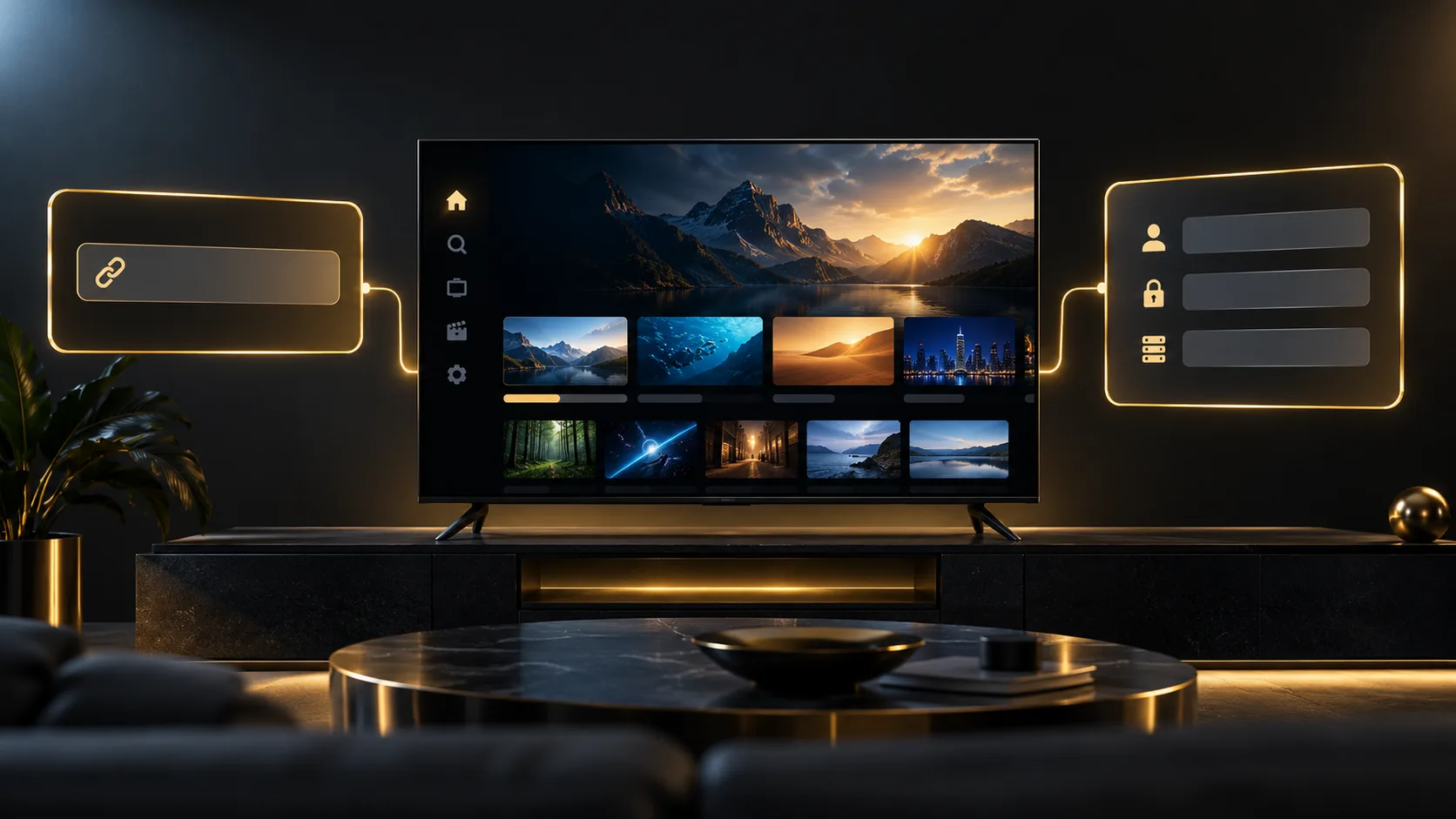
Neither option magically improves the source quality or fixes a weak connection. They are simply two ways for a compatible player to load the same subscription details. For most Android TV devices, Xtream Codes is easier to browse; an M3U link is useful when an app only accepts a playlist URL. If you are still choosing a service, take a look at the IPTV subscription options from BritCast.
This M3U vs Xtream Codes guide keeps the decision practical: choose the format your player recognises, then enter the details exactly as supplied.
M3U vs Xtream Codes in one minute
| Detail | M3U playlist | Xtream Codes login |
|---|---|---|
| What you enter | One playlist URL | Server URL, username and password |
| Works with | A very wide range of players | Dedicated IPTV players that support the login method |
| TV guide | May need separate EPG details | Often loaded through the player automatically, if supplied |
| Best for | Universal playlist compatibility | A more organised TV, films and series layout |
| What to protect | The entire playlist URL | Every login field |
The best choice is the one your provider has supplied and your player supports. Do not assume that one method gives better channels, 4K or fewer interruptions. Playback still depends on the stream source, the app, your device and your internet connection.
What is an M3U playlist?
An M3U playlist is a file or web link that gives a player a list of streams to load. In everyday IPTV use, it is often a long URL that may include words such as get.php, m3u or m3u_plus.
Paste that URL into the playlist field of a compatible app and the app reads the channel list. It is the more universal option because general media players can often open it too. For a simple compatibility check, a player such as VLC can be useful, although it is not designed around a television-style guide.
An M3U playlist can include useful labels, groups, logos and guide identifiers. But what appears on screen depends on how the player interprets those details. One app may arrange a playlist neatly; another may show a much plainer channel list.
What is an Xtream Codes login?
With Xtream Codes, the player asks for three separate details:
- Server URL, sometimes called host, portal or DNS.
- Username.
- Password.
The player uses those details to request categories and content data from the provider’s system. That is why an Xtream-style login often feels tidier in a dedicated TV app: live channels, films, series and the EPG can be presented as separate areas when the service supplies them.
For most households, M3U vs Xtream Codes is really a question of player experience. The subscription may be the same, yet one sign-in option can fit a particular app much better than the other.
M3U vs Xtream Codes: the practical differences
Setup fields
M3U wins for simplicity on paper. You paste one link, give the playlist a name and wait for it to load. Xtream Codes takes three fields, so a remote-control typo is easier to make.
But an M3U URL can be long and awkward to type. On a television, copying it from a phone or using the app’s companion keyboard is usually safer than entering it character by character.
Guide, categories and on-demand sections
An M3U playlist may include guide identifiers and categories, but some players still need a separate EPG URL or a few manual settings. An Xtream-compatible app can often request structured categories directly, so its menus may show Live TV, Movies and Series separately.
That does not mean every Xtream login has a guide or a film library. Those details still depend on what your provider has configured. Treat the player’s screen as a useful layout, not a promise about what any particular plan contains.
Compatibility
M3U is the safer fallback when you use a general media player or a less common smart-TV app. Xtream Codes is common in TV-focused apps, especially on Android TV, Google TV and Fire TV, but it is not universal.
So if an app only offers “Add playlist URL”, use the M3U details. If it offers both options, try the one your provider recommends before attempting to convert or guess anything.
Updating a large list
Players handle lists differently. Some download and parse an entire M3U playlist when it refreshes. An Xtream-style player may request categories and sections separately. In a large library, that can make browsing feel more organised, but it does not guarantee a quicker stream once you press play.
When an M3U playlist makes sense
Choose an M3U playlist when:
- Your app asks only for a playlist URL.
- You are using a simple media player rather than a dedicated IPTV app.
- You have a short, well-organised playlist and do not need a complex guide layout.
- Your provider has sent only an M3U link.
It is also handy as a compatibility option when moving between devices. The same link format is recognised by many apps, though you should always check how many simultaneous connections your plan allows before signing in on several screens.
When Xtream Codes makes more sense
Xtream Codes is often the easier route when you want a remote-friendly television layout. It suits people who prefer clear categories, a guide that loads with the account details, and separate sections for different kinds of content where the service supports them.
On a larger screen, M3U vs Xtream Codes usually comes down to convenience. TiviMate and IPTV Smarters Pro both offer familiar login flows on Android-based devices, so the three-field login can be less fiddly than a very long playlist address.
Using M3U vs Xtream Codes on popular devices
NVIDIA Shield and Android TV
On an NVIDIA Shield, both login methods are commonly available in Android TV players. We would start with the app your provider supports, then use the sign-in method it recommends. Our IPTV on NVIDIA Shield guide shows the wider device setup, including Ethernet, Google Play and first-time testing.
Firestick and Fire TV
Fire TV users often choose a player first, then select either “Xtream Codes” or “M3U URL” inside that app. If you are deciding between players, read our best IPTV apps for Firestick UK comparison before installing several at once.
Google TV Streamer
Google TV is close to the Shield in day-to-day use because both rely on Android TV-style apps. The useful rule is the same: select the exact login type shown in your welcome details. The Google TV Streamer 4K IPTV guide covers the device-side steps.
Samsung and LG smart TVs
Smart-TV apps vary more than Android TV apps. Some accept a playlist URL, while others use a device ID or portal-style login instead. Do not force an Xtream login into an app that does not ask for it. See our Samsung Smart TV IPTV setup guide for the app-store route on compatible Samsung sets.
How to tell which details you received
You probably have an M3U playlist if you were sent one long address, perhaps ending with .m3u, .m3u8, or containing playlist-style parameters. You probably have Xtream Codes if you were sent three separate details: a server, username and password.
Sometimes an M3U URL contains information that resembles separate login fields. That does not mean you should pull it apart or replace values yourself. Ask support for the correct format if the app gives you a choice. It avoids small mistakes with ports, paths and capital letters.
Keep both types of details private
This part matters more than the M3U vs Xtream Codes debate. A playlist URL can act like a password, especially when it contains account details. Treat it the same way you would treat the separate server login.
- Do not post a full playlist URL in a comment, group chat or public screenshot.
- Blur the server address, username and password before sharing a support image.
- Copy and paste details rather than retyping them on a remote.
- Install apps from the official store when possible, rather than from random links or APK mirrors.
- If you think credentials have been shared by mistake, contact your provider and ask what should be changed.
Common setup problems
“Invalid login” after adding the details
Check that you chose the right method in the app. Pasting an M3U link into an Xtream Codes form, or entering a server and password into a playlist field, will fail. Then check for a missing port number, an accidental space or a changed character.
The playlist loads but the guide is empty
With M3U, your app may need a separate EPG URL or more time to match guide identifiers. With Xtream Codes, wait for the first sync to finish, then refresh the playlist once before deleting and adding it again.
Films and series are missing
First confirm that your plan includes them. Then check whether the app has separate filters for Live TV, Movies and Series. If you are using an M3U playlist, the app may simply display the available entries in a different layout.
The app keeps buffering
Changing from M3U to Xtream Codes is not a reliable buffering fix. Test another channel, check whether other streaming apps work, and compare Wi-Fi with Ethernet if possible. Our UK IPTV internet speed guide can help you check the basics.
Frequently asked questions
Is M3U better than Xtream Codes?
Neither is automatically better. M3U is more widely accepted as a playlist format, while Xtream Codes can be more convenient in a compatible TV app because the player may organise categories and guide data more clearly. Use the method your app supports and your provider has supplied.
Can I use the same account as M3U and Xtream Codes?
Sometimes a provider can supply both formats for the same account, but you should not assume this or run both at the same time. The important limit is usually the number of allowed simultaneous streams, so check with support before adding the same account to multiple devices.
Does Xtream Codes improve picture quality?
No. M3U vs Xtream Codes changes the way a player signs in and loads the catalogue. Picture quality is affected by the stream source, device settings, available bandwidth and the connection between the device and your router.
Why does my M3U link look like a password?
Many playlist links contain account information or a token so that the service can verify access. For that reason, do not share the full link. Anyone with a working credential-bearing link may be able to load the same playlist.
Which login works best with TiviMate?
TiviMate can work with either method when the provider supports it. Xtream Codes can be easier to manage in a TV-style interface, while M3U remains useful if it is the only format supplied. Our TiviMate IPTV Player guide explains the app’s main playlist choices.
The simple choice
For most people, M3U vs Xtream Codes is not something to overthink. Use Xtream Codes if your dedicated TV player supports it and you want an organised sign-in. Use M3U when the app asks for one playlist URL or when it is the format you have been given.
The right M3U vs Xtream Codes choice is the one that fits your screen and your app, not the one that makes the boldest promises.
If you are unsure which details fit your device, send a message to BritCast on WhatsApp before changing anything. We can point you to the setup route that matches your player and subscription.