

Picture a Friday evening. The tea is ready, you’ve claimed the comfortable end of the sofa, and someone sends you an IPTVMX recommendation. One search later, you’re comparing a website, an app and an almost identical name. The tea has started to sulk.
If you’re researching IPTVMX in the UK, identify the exact website and app before paying. The name alone does not establish which operator you’re dealing with, what your payment includes or whether your television can run the suggested software. We found distinct products with similar names, which makes those details especially important.
At BritCast, we’d rather help you sort that out while your tea is still warm. This guide follows an imagined evening on the sofa; the product information comes from the public sources linked below. We haven’t carried out a paid performance test or independently verified the distribution rights of an IPTVMX offer.
Research checked: 29 October 2026. Website descriptions and app availability can change.
IPTVMX: first, get the right name on the screen
Our imaginary viewer has opened three tabs. They all contain some combination of “IPTV”, “MX” and “X”. This is the point where a missing letter can turn into the wrong purchase.
Here is what we could actually identify:
- The website iptvmx.tv: its Spanish-language pages advertise application support and TV boxes. Its own pricing-page disclaimer describes the business as an intermediary for RQTV and MIT Plus applications. That is the site’s description of its role; it doesn’t establish the identity of every seller using the IPTVMX name.
- IPTVX: a separately named player. The official IPTVX FAQ says it supplies software and does not provide channels, playlists or video content. Paying for that player should not be confused with buying a content subscription.
- MAX IPTV MX: its Google Play listing names KingsRebrand as the developer and describes it as a multimedia player for Android devices. A similar name does not prove it belongs to either website above.
None of those names should be treated as interchangeable. Start with the full website address, then match the app’s exact name and developer to the installation instructions you’ve received. A forwarded logo or a screenshot with the address cropped off leaves too much guesswork.
We could not verify a single official UK operator, GBP tariff or set of subscription terms covering every offer called IPTVMX. If a seller gives you a different address, assess that specific offer. Don’t transfer assumptions from a similarly named search result.
The checkout basket can hide three different purchases
Back on the sofa, you’ve found a download button. Progress. But before your thumb reaches “buy”, check what that button actually pays for.
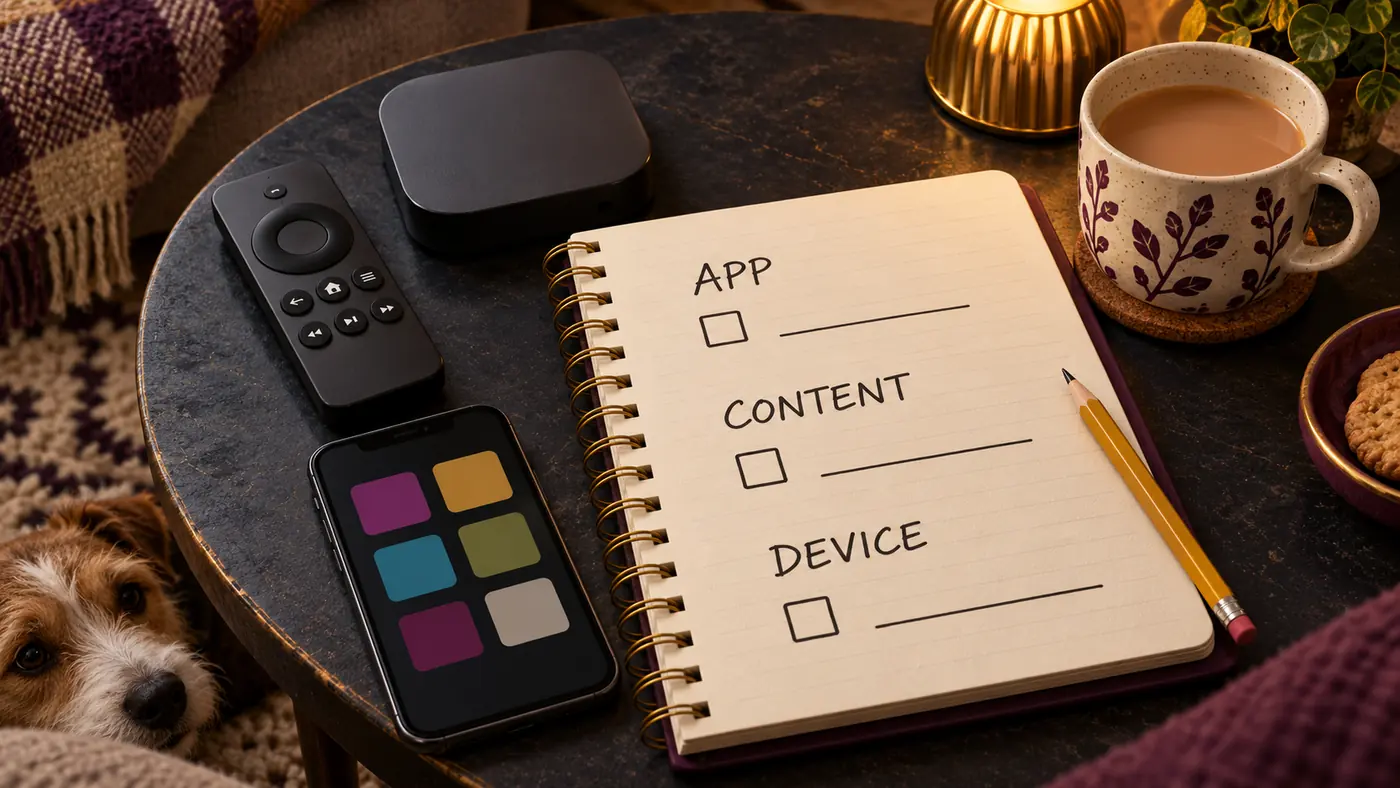
A player licence
This pays for software features. Depending on the particular app, those might include organising playlists or using an interface on your TV. The receipt might come from an app store. Content access can be a separate purchase, so an empty player after installation doesn’t automatically mean the app is broken.
A content or account subscription
This is access supplied by a particular service. Its duration, permitted devices, simultaneous streams and content authorisation need to be clear in that service’s terms. An app developer and the company supplying your account may be different organisations.
A physical device
A TV box or streaming stick is hardware. Buying one doesn’t, by itself, tell you which applications or subscriptions are included. Get any bundle described in writing, including what happens when the included period ends.
For an IPTVMX offer, ask for the total cost across those categories, the billing currency and who receives each payment. Also ask whether renewal is automatic. One attractive headline price can become much less attractive once an app charge and a device purchase join the party.
Now introduce the offer to your actual television
Your phone looks delighted with the app. Your living-room TV has other ideas. It would prefer you to stop pointing at the screen and read its model number.
“Works on smart TVs” is too vague to settle compatibility. Samsung’s Tizen, LG’s webOS, Android TV, Google TV and Apple TV are different platforms. An Android app listing doesn’t establish that the same app is available for all of them. Even within one family, device generation and software version can matter.
Before following IPTVMX setup instructions, send the seller your exact device model and ask for the matching official app or developer download page. If an installation guide names another operating system, stop and resolve that mismatch. Avoid installing an unidentified file simply because its filename looks familiar.
Then check the login method. Some players accept a playlist URL; others accept a server address, username and password. Some services use a dedicated app. We haven’t verified a universal login method for IPTVMX offers. Our M3U vs Xtream Codes guide explains the common formats if those are the options you’ve actually been given.
Finally, think about the person using the remote tomorrow. Can they find favourites, read the programme guide and leave a menu without calling the family’s unpaid IT department? For the usability details that matter from a sofa, use our IPTV player checklist.
Send this message before paying for an IPTVMX offer
You don’t need to conduct an interrogation. A clear message should do. Copy this and replace the device details:
Hi, I’m looking at your IPTVMX offer for use in the UK. My device is [exact model and operating system]. Please confirm your business website, the exact app and developer, what my payment includes, the total price and currency, and whether renewal is automatic.
Which login method does it use? How many simultaneous streams are allowed? Please also send the cancellation/refund terms, support contact and information showing that the content offered is authorised for UK viewing.
Read the answer before moving on. If the seller replies with another screenshot of a price, the questions haven’t been answered. “Two devices” also needs clarification: it might describe registered devices, while the account only permits one stream at a time. Ask specifically about simultaneous viewing.
Keep the offer, terms and receipt somewhere you can find them later. If a preview or demonstration is offered, check what it actually covers; don’t assume a free trial exists. A working demonstration can show behaviour on that device at that moment. It cannot prove a year’s reliability.
A working picture doesn’t answer the rights question
The UK’s Intellectual Property Office explains in its guidance on illicit streaming that access without the copyright owner’s permission is the issue. An app’s availability, a payment receipt or a successful login doesn’t demonstrate permission to distribute the content.
Ask for evidence relevant to the actual service and UK content being offered. We haven’t independently verified that evidence for an IPTVMX subscription. Where the rights remain unclear, choose an authorised source for the programmes you want rather than treating technical compatibility as an answer.
Already paid? Follow the receipt before changing the settings
The tea has gone cold and you’re staring at an empty screen. Resist the urge to download four more players. First, work out which part of the purchase needs help.
You have an app-store receipt but no viewing account
Check the app’s product description. You may have bought a player licence. Confirm whether content was included before buying anything else, and direct billing questions to the party named on the receipt. The software developer may have no involvement with the subscription seller.
You have login details, but the app rejects them
Confirm that the account is active and that the app supports the supplied login method. Check for accidental spaces and a mistyped server address. Ask the account supplier to confirm the details through its verified support channel; don’t post passwords or full playlist URLs in public groups.
The account opens, but playback keeps stopping
Make a small, controlled comparison: the same authorised source, on the same device, with other household downloads paused. If supported, try a wired connection. Note whether one item fails or everything does, and record the time and error message. Those observations are more useful to support than “nothing works”.
A headline broadband speed doesn’t describe every connection inside the house. If local connectivity looks like the problem, our guide to internet speed for IPTV explains what to check at the viewing device. Avoid upgrading your broadband until you’ve established where the interruption occurs.
You’re being asked for another payment
Compare the request with the original offer. A separate software fee may have been disclosed, or something may have been left unclear. Ask for an itemised explanation before paying again. If there’s a dispute, keep the records and contact the relevant seller, app store or payment provider through its official channel.
Bring the evening back to the sofa
A useful IPTVMX decision starts with an exact identity and a clear purchase. You should know who supplies the app, who supplies any content account, whether your TV is supported and what the terms say. If those basics remain fuzzy, take your time. The remote isn’t going anywhere.
If you’re also comparing BritCast, our UK IPTV subscription options show our current plans. This is our own service, so apply the same questions to us. Check your device and requirements before ordering, and make sure you understand what you’re buying.
Then you can get back to choosing something to watch. That part may still require a household summit, but at least the app’s name won’t be on the agenda.
IPTVMX questions UK readers ask
Is IPTVMX the same as IPTVX?
Don’t assume so. The sources we checked identify a Spanish-language IPTVMX website, a separately named IPTVX player and a MAX IPTV MX app listing. Match the full website address, exact app name and developer before buying. Similar spelling doesn’t establish shared ownership or compatible accounts.
Does paying for an IPTV player include channels?
Check the exact product description. A player licence can pay only for software features. For example, IPTVX’s official FAQ says it does not provide channels or playlists. A content subscription may come from a separate supplier, with separate terms and support. Ask what is included before paying.
Can I use IPTVMX on a Firestick or smart TV?
Compatibility depends on the specific offer, application and device. A broad smart-TV claim isn’t enough. Ask for instructions matching your model and operating system, then verify the app’s download source and supported login method. We haven’t confirmed universal Firestick or smart-TV support for offers using this name.
How much does IPTVMX cost in the UK?
We couldn’t verify one official GBP price or set of terms covering the name. Request a written quote from the specific seller, including any app fee, content subscription, hardware charge, billing currency and renewal conditions. Compare the total payable rather than a headline price in a search result.