
Looking for The TV App alternative that works for your viewing habits? Start with what you actually want to watch. UK broadcaster apps, ad-supported streaming services and IPTV players can all put video on your screen, but they do very different jobs.
This guide compares practical choices for UK viewers, explains where a player fits in and helps you avoid downloading an app that doesn’t deliver what you expected. Availability, catalogues and supported devices can change, so check each provider before installing.
Quick answer: what are the alternatives to The TV App?
For UK broadcaster programmes, start with BBC iPlayer, ITVX or Channel 4. For free, advertising-supported channels, explore Pluto TV or Samsung TV Plus on a supported device. If you already have a properly authorised IPTV service, a compatible player such as TiviMate or IBO Player may help you organise the subscription supplied to you.
Those are different routes, not identical replacements. Each service has its own content, device requirements and terms. In the UK, you generally need a TV Licence to watch live TV on any service and to use BBC iPlayer, including its on-demand programmes. Check the official TV Licensing guidance for your circumstances.
The TV App alternative: choose by what you want to watch
BBC iPlayer: BBC programmes and live channels
BBC iPlayer brings BBC programming together in one place. It is a useful starting point when your priority is BBC content rather than a broad collection of unrelated channels. Check your device’s app store and the BBC’s own availability information before you settle in. A TV Licence is required for BBC iPlayer, including catch-up.
ITVX: ITV programmes in one app
ITVX is worth checking if you mainly want ITV programmes and its available channels. Its free tier is advertising-supported; optional paid features and programme availability can change. Look at the title you want and the supported devices before signing up.
Channel 4: programmes and catch-up
Channel 4’s streaming service is another option for its own programming. It’s particularly useful if your viewing tends to revolve around specific shows. As with other broadcaster apps, a free account or advertising may be part of the experience, and live viewing has TV Licence requirements.
Pluto TV: free channels with adverts
Pluto TV uses an advertising-supported model and offers scheduled channels as well as on-demand viewing where available. As an alternative to The TV App, its channel-led layout may appeal if you like opening an app and browsing what is on. Its catalogue is different from broadcaster or subscription catalogues, and channels can vary by market.
Samsung TV Plus: an option for compatible Samsung devices
If you own a supported Samsung device, Samsung TV Plus is another option when searching for a The TV App alternative. The service offers ad-supported channels in supported markets. Your model, region and software version matter, so check Samsung’s current device information rather than assuming every television has the same selection.
Apps like The TV App versus IPTV players
Here’s the part that saves a lot of wasted time: an IPTV player is not the same thing as a streaming service. A player is the interface you use to open compatible account or playlist details supplied separately. Installing a player does not automatically give you channels, a subscription or the rights to watch a particular programme.
If you already have access to an authorised service, our IPTV player checklist explains what to check before adding your details. You can also read our guide to M3U and Xtream Codes to understand common login formats. Share account details only with software and providers you trust.
How to choose the right TV app alternative
- List your must-watch content. A broadcaster app may be enough if you follow a handful of programmes. Check the actual catalogue rather than an impressive-looking channel count.
- Check your device. Search the official app store for your exact television or streaming device. A service that runs on a phone may not offer the same app on your TV.
- Compare the real cost. Free apps can include advertising. Paid services may have different term lengths, renewal conditions and connection limits.
- Check rights and availability. A player cannot grant viewing rights. Choose services authorised to provide the content you want in your location.
- Test your connection. Run a speed test near the television, especially if the router is on another floor. Wi-Fi strength can matter as much as the number in your broadband contract.
Setting up on a Fire TV Stick or smart TV
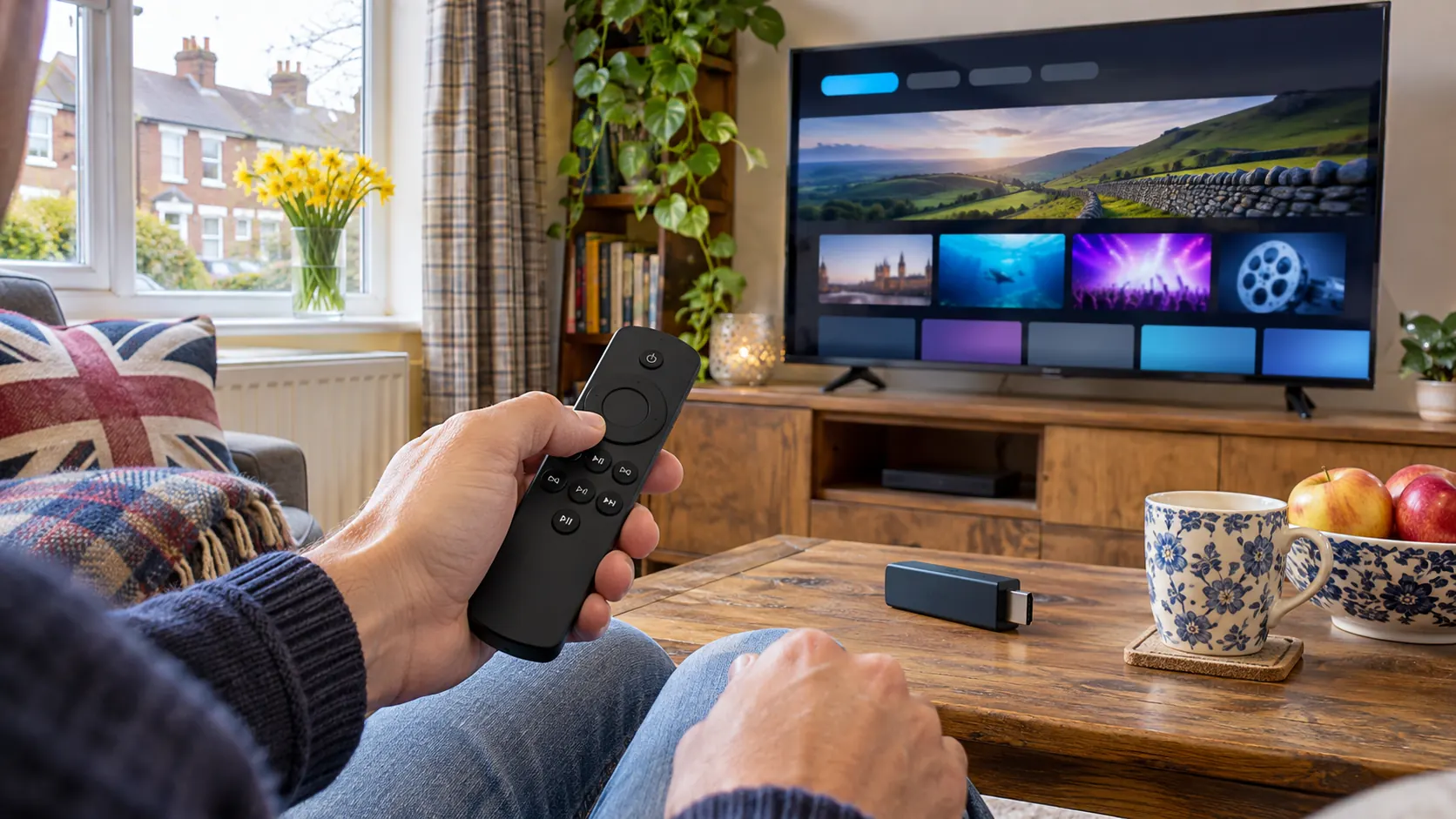
To install your chosen The TV App alternative, open your device’s official app store, search for the service by its exact name and check the publisher before installing. Open the app, sign in if needed and try a programme. If it buffers, restart the device, check Wi-Fi near the television and try another programme before changing advanced settings.
Apps and menus change between devices, so the installation steps may not look identical on every model. For a closer look at players, see our IPTV apps for Firestick guide. If your guide loads but has no schedule, our EPG troubleshooting guide covers the common checks.
Is a paid subscription the right next step?
Maybe, but start with your viewing needs. If the broadcaster apps already cover what you want, a paid plan may not add much value. If you need a different selection, compare the price, permitted simultaneous connections, device compatibility and available support before paying. Verify that the service has the necessary rights for the programmes you want to watch.
Our IPTV subscription plans show the available BritCast terms. Read the plan details and confirm compatibility before placing an order.
Frequently asked questions
Which The TV App alternative is useful in the UK?
It depends on the programmes you want. BBC iPlayer, ITVX and Channel 4 focus on their own broadcaster content, while Pluto TV and Samsung TV Plus offer ad-supported channels in supported markets. Check the specific app, device and availability before choosing.
Are apps like The TV App free?
Some services have free, ad-supported options, while others offer paid plans or optional upgrades. Free access does not remove any applicable UK TV Licence requirement. Always check current terms and content availability with the service itself.
Does an IPTV player include channels?
Generally, no. A player is software for accessing compatible content or account details supplied separately. It does not by itself provide a subscription or grant rights to watch protected content.
Can I use these apps on a Firestick?
Some are available on compatible Fire TV devices, but app support varies by model, region and software version. Search the official Amazon Appstore on your device and confirm the publisher and requirements before installing.
Why does a streaming app buffer?
Weak Wi-Fi, network congestion, device performance and service-side problems can all contribute. Test another app, restart the device and router, and measure your connection near the screen. For more detail, read our internet speed guide.
Still weighing up your options? Explore more practical setup advice from BritCast and choose the service that fits your device, budget and viewing rights.